

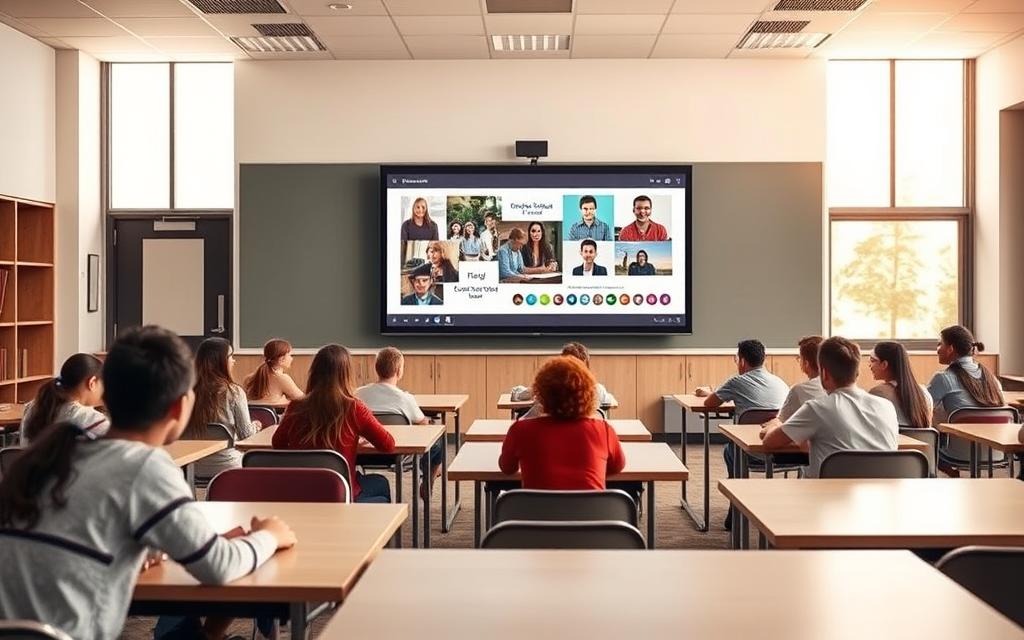
Modern classrooms are changing fast thanks to education technology. The interactive flat panel is leading this change. It’s a smart tool that’s changing how we teach and learn.
These displays have high-resolution touch screens and powerful software. They make classrooms into places where everyone can join in and learn together.
Teachers can share multimedia content that suits different learning styles. The tech makes learning fun with easy-to-use touch screens and interactive features.
This new way of digital learning helps students remember more. It’s a big step up from old classroom tools. It gives students the chance to dive into learning in a way that prepares them for the future.
What is IFP in Technology: An Overview
Interactive Flat Panels are a big step up in educational tools. They change how teachers share information and students learn. These systems bring together many classroom technologies into one easy-to-use interface. They support the latest teaching methods.
Basic Definition and Purpose
An Interactive Flat Panel is a large touch-screen display. It has whiteboard, computer, and projection features all in one. Teachers can write, annotate, and show digital content on the screen with fingers or styluses.
The main goal of IFPs is to make learning fun and interactive. Teachers can use them to show educational resources, multimedia, and help with group work. This makes lessons more engaging and effective.
Modern IFPs have high-resolution screens, touch technology, and educational software. They are the heart of digital learning. They support different teaching styles and subjects.
Related Posts:






Historical Context and Evolution
Classroom tools have changed a lot from chalkboards to today’s IFPs. The first interactive whiteboards came out in the 1990s. They had basic touch features but needed projectors and computers.
In the 2000s, technology improved touch sensitivity, display quality, and connectivity. Moving from projectors to flat panels made images brighter and clearer.
Now, IFPs focus on better multi-user features, cloud use, and mobile device support. They are the result of years of tech development. They offer reliability and features that earlier systems lacked.
Manufacturers keep improving IFPs with new tech like AI, voice recognition, and augmented reality. This makes them even more useful for learning.
Core Components of Interactive Flat Panels
Interactive flat panels are key in education today. They have advanced parts that make learning fun and engaging. These panels offer more than traditional classroom tools.
Touch Sensor Technologies
At the core of these panels is their touch system. It turns the screen into a digital space for everyone to use at once.
Infrared and Capacitive Systems
Most panels use infrared or capacitive touch. Infrared uses light beams to detect touch. When you touch, it stops the beams, showing where you are.
Capacitive systems sense the electricity in our skin. They’re very accurate and let you use fingers together. Both make using the panel feel natural.

These systems let many students use the screen together. It’s a big step up from single-touch systems.
Display Specifications and Quality
The screen quality of these panels is vital. Good display quality means content looks clear and bright for everyone in the class.
4K Resolution and HDR Support
Modern panels have Ultra High Definition screens with 4K resolution. They show about 8 million pixels, making images very detailed.
High Dynamic Range (HDR) adds to the quality. It shows more colours and contrast than usual screens. This makes images look more real.
4K and HDR together make visuals stunning. They grab students’ attention. Complex images and documents are clear and easy to understand.
Comparing IFPs to Traditional Classroom Tools
Schools have to make big choices when they update their teaching tools. Moving from old tools to interactive flat panels changes how classes work. This look at both the good points and the practical things about IFPs helps schools decide.
Advantages Over Whiteboards and Projectors
Interactive flat panels bring big changes to classrooms. They do more than just write on them or show pictures. Teachers can add videos, games, and live web stuff to lessons easily.
IFPs also last longer than whiteboards or projectors. They don’t need cleaning or marker changes, and their bulbs last a long time. This means less trouble in class and better teaching.
Thinking about the cost over time shows IFPs are worth it. They cost more at first, but they save money in the long run:
- No need to buy markers or erasers
- No bulb changes needed
- Less money for upkeep
- Use less energy than projectors
“Using interactive panels has changed how we teach. Being able to mix writing, videos, and student input in one place has really improved our teaching.”
Studies show students learn more with IFPs. They get more involved and remember things better when they can touch the content. This makes learning stick in their minds.
Limitations and Transition Challenges
Even with their benefits, IFPs have some downsides. The biggest issue is the high cost at first. Schools have to weigh this against the long-term gains.
Teachers also need training to use IFPs well. This can slow things down at first. But with practice, they get better.
| Consideration | Traditional Tools | Interactive Flat Panels |
|---|---|---|
| Initial Investment | Low to Moderate | High |
| Ongoing Costs | Consistent (supplies) | Minimal after installation |
| Training Requirements | Minimal | Comprehensive needed |
| Technical Support | Limited | Regular maintenance required |
| Content Flexibility | Basic | Extensive multimedia options |
Setting up IFPs also needs good tech. They need strong internet and power. Schools might have to spend more on their systems.
Starting to use IFPs can be hard. Schools have to plan carefully to avoid messing up classes. Some do it bit by bit to keep things running smoothly.
But most schools say it’s worth it in the end. The key is to plan well, train teachers, and be patient with the changes.
Technological Features Enhancing Education
Interactive Flat Panels are more than screens. They are tools that change how we teach and learn. They have special features that make learning fun and interactive.
Multi-User Interaction Capabilities
Modern IFPs let many students work together at once. They use advanced touch systems for this. It makes learning together a real possibility.
These panels can handle up to twenty touches at a time. This means students can solve problems, play games, and work on projects together. It’s something old teaching methods can’t do.
Being able to work together has many benefits:
- More students get involved
- Teamwork and communication skills improve
- Feedback is immediate
- Learning is more hands-on
Integrated Educational Software
IFPs really shine with their special software. This software helps teachers make lessons, present, and check how students are doing. It works well with the display.
The software turns boring content into exciting learning experiences. Teachers can add multimedia, quizzes, and tools to check understanding right away.
Examples: SMART Notebook and Promethean ClassFlow
SMART Notebook is a top tool for making lessons. It lets teachers add fun stuff, multimedia, and activities for students to work together. It’s easy to use and fits what teachers need.
Promethean ClassFlow is for teaching and checking how students do. It works on different devices, so students can use tablets or laptops too. It’s great for checking how well students are doing.
Both SMART Notebook and Promethean ClassFlow are leading the way in educational software. They keep getting better with new ideas and technology.
| Feature | SMART Notebook | Promethean ClassFlow | Educational Benefit |
|---|---|---|---|
| Lesson Creation | Extensive template library | Cloud-based authoring | Saves preparation time |
| Assessment Tools | Built-in quiz features | Real-time analytics | Immediate feedback |
| Collaboration Features | Multi-student interaction | Cross-device compatibility | Enhances group learning |
| Content Library | Pre-made resources | Community-shared lessons | Resource sharing |
| Integration | Works with existing files | LMS compatibility | Seamless implementation |
Together, the hardware and software of IFPs make learning better. They give teachers amazing tools to make lessons fun and effective.
Benefits of IFPs in Modern Classrooms
Interactive Flat Panels turn old classrooms into lively learning spots. They help teachers and students in many ways. These tools make teaching more effective with their interactive features.
Improving Student Engagement and Participation
IFPs make learning fun with hands-on activities. Students can touch and explore lessons, making them easier to remember.
Teachers see more students joining in when using IFPs. Everyone can work together, annotate, or play with virtual objects. This keeps students focused and involved.
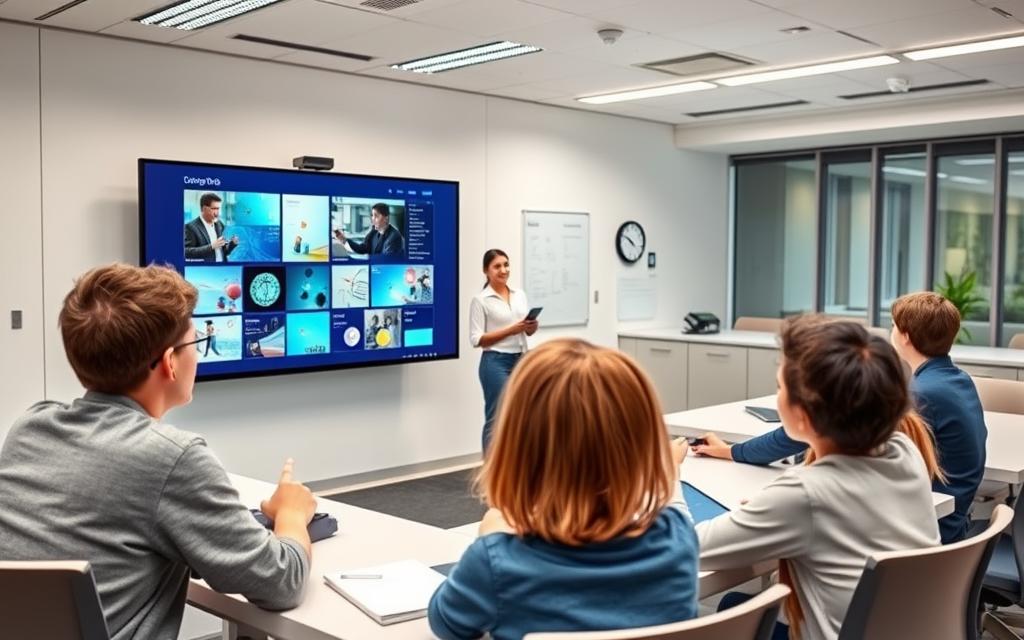
IFPs also keep students interested by showing them their work right away. Seeing their efforts pay off makes learning more rewarding.
Supporting Inclusive Learning Environments
IFPs help make learning spaces welcoming for everyone. They offer different ways to learn, like seeing, hearing, and touching.
Teachers can change how content is shown to meet different needs. This includes making text bigger, changing colours, and adding sounds for those who need it.
Students can share their thoughts in ways that feel comfortable for them. Shy ones can share anonymously, while others can lead in group work.
| Learning Need | Traditional Solution | IFP Solution | Benefit Improvement |
|---|---|---|---|
| Visual learners | Printed diagrams | Interactive 3D models | +67% comprehension |
| Auditory learners | Teacher narration | Integrated audio lessons | +42% retention |
| Kinesthetic learners | Physical manipulatives | Touch interaction | +58% participation |
| Special needs students | Separate materials | Adaptable interface | +73% accessibility |
These classroom benefits show how IFPs make learning fair for all. They let everyone learn in a way that feels right for them.
Implementing IFPs in Educational Institutions
Getting interactive flat panels to work well in schools needs careful planning. Schools must think about both the technical and human sides. This ensures these tools are used to their best in teaching.
Planning and Budgeting Considerations
Good planning starts with knowing what your school really needs. The size of the classroom is key. IFPs should be between 55 to 75 inches to be seen clearly.
When budgeting, look at both the upfront costs and the long-term benefits. Think about these important points:
- Do you need internet for digital resources?
- What are the costs of setting it up and any needed upgrades?
- What’s the warranty and what will maintenance cost in the future?
- Will it work with your current classroom tech?
Many schools use a step-by-step plan to update their classrooms. This helps with money issues and improves learning spaces bit by bit.
Professional Development for Teachers
Good teacher training makes IFPs more than just screens. Teachers need to learn how to use the tech’s interactive parts well.
Training should include:
- How to use the software for different subjects
- How to plan interactive lessons
- How to fix common tech problems
- Using the tech for team teaching
Having ongoing support is key to keeping the tech in use. Regular workshops and help from peers are great for teachers to keep improving their digital skills.
Spending on quality training means your school gets the most out of the tech. It also makes learning more fun and engaging.
Case Studies: IFP Success in US Schools
In American schools, interactive flat panels are making a big difference. They help teachers and students learn better. Each school uses these panels in its own way to solve problems and improve teaching.
Primary School Implementations
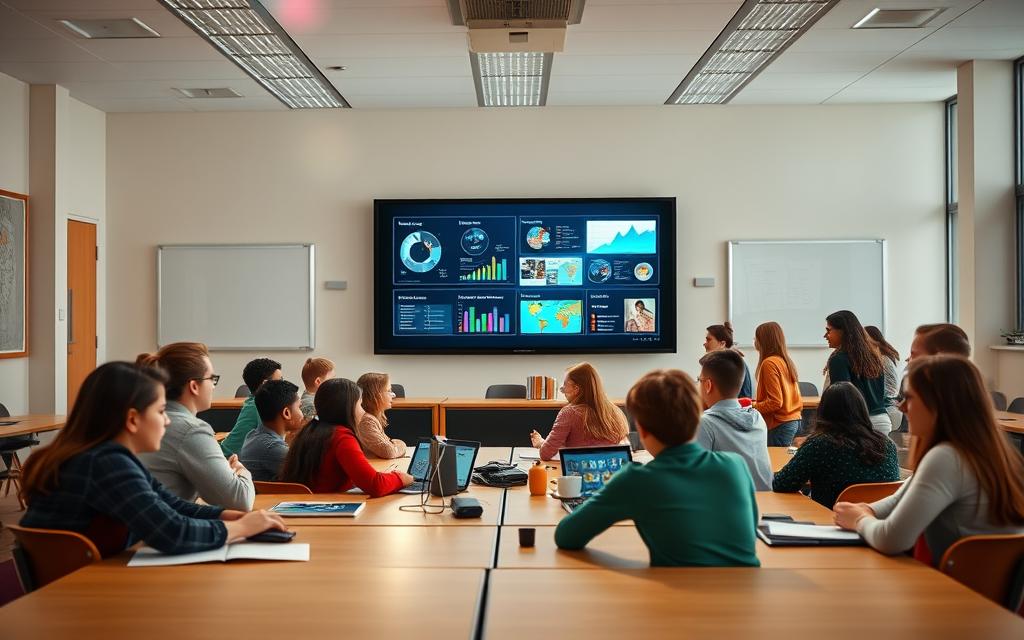
Elementary schools in the US are seeing more students getting involved in class. A Texas school found that 42% more students were participating in lessons with these panels.
Students can work together on the screen, making hard ideas easier to understand. One teacher said: “The panels turned our maths lessons into hands-on activities.”
These panels also help with different learning needs. Special education classes use them to help all students learn together.
University and Higher Education Usage
In colleges, IFPs help with group work and presentations. At Stanford University, students can work on big projects together during lectures.
Medical schools use high-quality panels for detailed studies. Students can mark up medical images right on the screen. This helps them understand complex ideas better.
They also help with online learning. Universities use them with video calls to make classes available to everyone, online or in person.
These examples show how interactive flat panels help at all levels of education. They meet the needs of each school in its own way.
Addressing Challenges with IFP Technology
Interactive flat panels bring big changes to education, but they come with challenges. Schools need to plan well for the costs and the upkeep. This ensures they can use the technology for a long time.
Cost Analysis and ROI Considerations
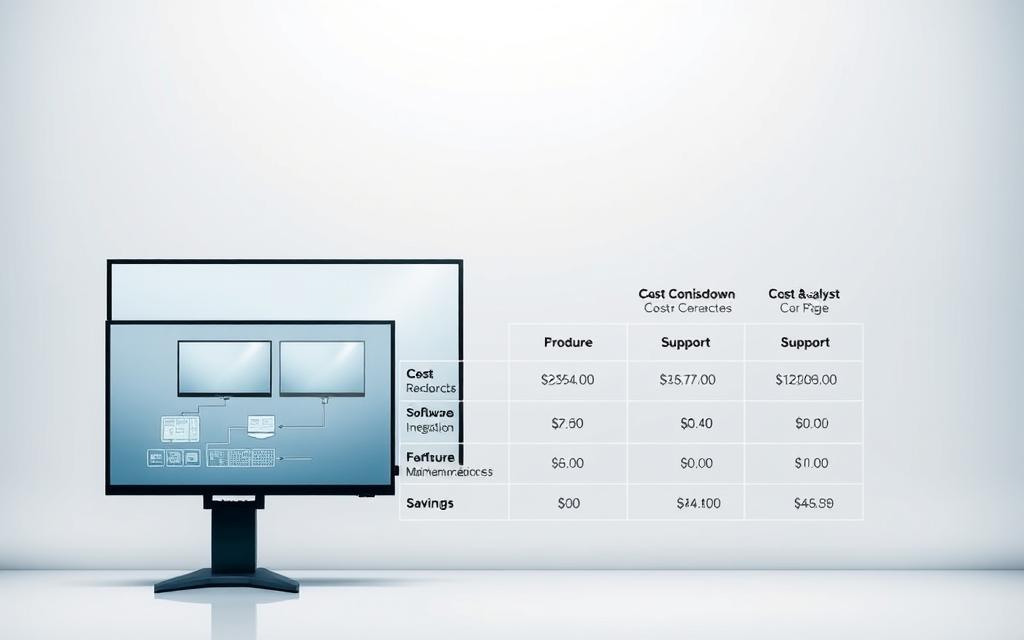
The biggest hurdle for schools is the cost of IFP technology. A detailed cost analysis must include the price of the panels, installation, and training. These costs can range from £2,000 to £7,000 per panel, depending on what you choose.
But, schools should think about the long-term benefits. IFPs save money on things like markers, projector bulbs, and printing. They also use less energy, which saves money too.
When looking at ROI, schools should consider both the obvious and hidden benefits. Below is a five-year financial plan for a medium-sized school:
| Cost Category | Year 1 | Years 2-5 | Total 5-Year |
|---|---|---|---|
| Hardware Investment | £45,000 | £0 | £45,000 |
| Installation & Training | £8,000 | £0 | £8,000 |
| Traditional Supplies Savings | £2,500 | £3,200/year | £15,300 |
| Energy Savings | £1,200 | £1,500/year | £7,200 |
| Net Investment | £49,300 | £-4,700/year | £30,500 |
This ROI shows how the initial cost pays off over time. Most schools see a return on their investment in three to four years. They also get better teaching tools.
Technical Support and Maintenance Needs
Good technical support is key to using IFPs well. Schools need to plan how to keep the technology running smoothly. This means having a plan for maintenance and support.
Here are some tips for keeping IFPs in top shape:
- Update software during school breaks
- Check the touch sensitivity regularly
- Clean the display often
- Have a backup plan for when technology fails
IFPs are built to last, with a lifespan of 50,000 hours with proper care. Manufacturers often offer extended warranties for parts.
It’s smart to have a plan for when you need to replace technology. This spreads out the cost and keeps your technology up to date. With careful planning, using IFPs can be a smooth process.
Future Developments in IFP Technology
The next generation of interactive flat panels will bring new features. These include IoT and AI. They will make learning more dynamic and tailored to each student’s needs.
Emerging Trends: IoT and Cloud Integration
Internet of Things (IoT) is a big future trend in education. It will let IFPs talk to other classroom devices. This creates a connected learning space.
Cloud-based platforms will change how we share educational content. Teachers will have quick access to lots of digital resources. Students can work together from anywhere.
Remote learning will get better with these changes. Teachers can lead hybrid lessons with better tools. This makes learning from a distance more fun and effective.

Potential Impacts of AI and Machine Learning
Artificial intelligence will change AI in education by making learning personal. It will adjust lessons based on how well students do. This helps students learn at their own pace.
Machine learning will give feedback right away. This helps teachers see where students need help. They can then help students catch up quickly.
AI will also make learning more fun. It will use voice, gestures, and smart suggestions. This makes learning feel natural and engaging.
| Feature | Current Capabilities | Future Developments |
|---|---|---|
| Content Personalisation | Basic adaptive learning | AI-driven individual learning paths |
| Collaboration Tools | Local multi-user interaction | Cloud-based global collaboration |
| Data Analytics | Simple usage statistics | Predictive learning analytics |
| Connectivity | Limited device integration | Comprehensive IoT ecosystem |
| Accessibility Features | Standard accessibility options | AI-powered adaptive accessibility |
These new technologies are exciting future trends for education. They will make learning more interactive, inclusive, and effective. The mix of IoT integration and AI in education will change how we teach and learn.
Choosing the Right IFP for Educational Needs
Educational institutions have a tough choice when picking interactive flat panels. The right IFP selection can really help teachers and students. It’s important to think carefully about this choice.
Key Evaluation Criteria
Screen size is a big deal for classrooms. Big screens are better for everyone to see, while small ones are good for groups. The screen’s quality affects how clear the images are and how comfortable it is to look at for a long time.
How well the screen responds to touch is key. Being able to use the screen with more than one finger at a time helps students work together. Having options like HDMI, USB-C, and wireless makes it easy to connect different devices.
It’s also important how easy the software is to use. A simple interface means teachers and students can start using it quickly. Schools should check if it works well with their current systems.
The screen needs to be tough to last in a busy classroom. It should be able to handle daily use without breaking. Having a good warranty and support is also important for peace of mind.
It’s important to think about the cost too. Schools need to balance what they need with what they can afford. They should consider all the costs, including setup and any ongoing fees.
Overview of Leading Brands: SMART, Promethean, and ViewSonic
There are many well-known brands in the market for interactive displays. These leading brands offer solutions that fit well with schools.
SMART Technologies is a leader in classroom technology. They offer software that helps teachers create lessons and assess students. SMART also provides training and tools to help teachers.
Promethean focuses on creating immersive learning experiences. Their ActivPanel series and ClassFlow platform make it easy to teach online. They also offer support and advice for teachers.
ViewSonic is known for good displays at a lower price. Their myViewBoard software supports teaching in different ways. ViewSonic is a good choice for schools that need many displays.
Each brand has its own strengths. Schools should look at more than just the tech specs. They should also think about support and updates. Trying out displays before buying can help make the right choice.
Finding the best IFP selection means looking at tech, education needs, and cost. Talking to other schools and reading about their experiences can be very helpful.
Conclusion
This detailed look at interactive flat panel technology shows how they’ve changed education. They’ve moved classrooms from old teaching methods to new, interactive learning spaces. This change has made learning more engaging and collaborative.
These advanced displays help teachers in many ways. They make learning more inclusive and prepare students for the digital world. Brands like SMART, Promethean, and ViewSonic keep improving their products to meet different needs and budgets.
Using IFPs well needs good planning and training for teachers. It also requires thinking about technical support. When done right, IFPs lead to better learning and save money in the long run.
This summary shows that IFPs are more than just new tools. They mark a big change towards learning that focuses on students. As technology gets better with AI and IoT, IFPs will keep leading the way in education. They will help teachers and inspire students everywhere.
FAQ
What is an Interactive Flat Panel (IFP)?
An Interactive Flat Panel is a touch-screen display for schools and offices. It lets you write, annotate, and present content easily. It has high-resolution visuals and touch capabilities, making learning fun and efficient.
How have Interactive Flat Panels evolved from traditional classroom tools?
IFPs have moved beyond old tools like blackboards and early smart boards. They use new tech like better touch sensitivity and software. This makes them more interactive and durable than traditional tools.
What are the core technical components of an IFP?
IFPs have touch sensors and high-quality displays. The touch sensors, like infrared or capacitive, allow for accurate multi-touch. The displays, with 4K resolution and HDR, show sharp, vibrant images and respond well to users.
What advantages do IFPs offer over whiteboards and projectors?
A> IFPs are more interactive and support multimedia. They are cost-effective in the long run. They allow multiple users to work together, saving on materials and needing less upkeep.
Can multiple students use an IFP at the same time?
Yes, modern IFPs let many students use them at once. This encourages teamwork and active participation in class.
What types of educational software are compatible with IFPs?
IFPs work with software like SMART Notebook and Promethean ClassFlow. These tools help teachers create lessons and presentations. They make teaching more engaging and adaptable.
How do IFPs improve student engagement and participation?
IFPs keep students engaged with interactive and multimedia features. They support different content types, keeping students interested and involved.
Are IFPs suitable for inclusive learning environments?
Absolutely. IFPs meet the needs of all learners by adapting to different learning styles. They offer features like zoom and audio support, making lessons accessible for everyone.
What should schools consider when planning IFP implementation?
Schools should think about classroom size, panel size, budget, and internet access. Training teachers on IFP use is also key to successful integration.
What are the typical costs and return on investment for IFPs?
IFPs are expensive upfront but save money in the long run. They reduce material costs and need less maintenance. They also improve student outcomes and engagement.
How is AI expected to influence future IFP technology?
AI will make learning on IFPs more personal. It will offer adaptive content and real-time feedback. This could change how we teach, making lessons more tailored to each student.
Which brands are leading in the IFP market for education?
SMART Technologies, Promethean, and ViewSonic are leading brands. They offer unique features, support, and products for schools. Each brand has something special to offer.
What technical support and maintenance do IFPs require?
IFPs need updates, hardware checks, and technical support. Regular care keeps them working well and supports daily learning activities.
How do IFPs support remote and collaborative learning?
IFPs support remote learning and collaboration with cloud integration and IoT. They let students and teachers share resources and work together from anywhere, making learning flexible.
 Marcin Wieclaw